Play your FX
Plug in a gamepad and ride crush, rate, tone and memory with the sticks. Every move mirrors on screen.
 PHASESTATION2026
lofi console FX you play with a controller.
Presale price ends November 1.
BUY FULLGET LITE FREESecure checkout by Stripe · cards, Apple Pay, Google Pay + more · tax handled · all sales final
A playable taste of the LITE version. Plug in a controller (PlayStation, Xbox, Switch Pro, most USB / Bluetooth pads) or just drag the sticks with your mouse.
The preview runs in your browser with a little made-up loop. The real plugin runs on your music, in your DAW.
Real screenshots of PhaseStation 2026, playing a song. Nothing mocked up.
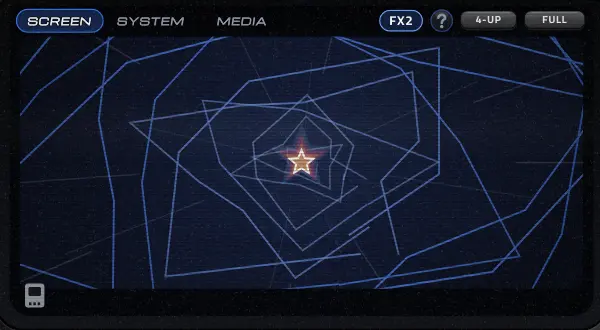
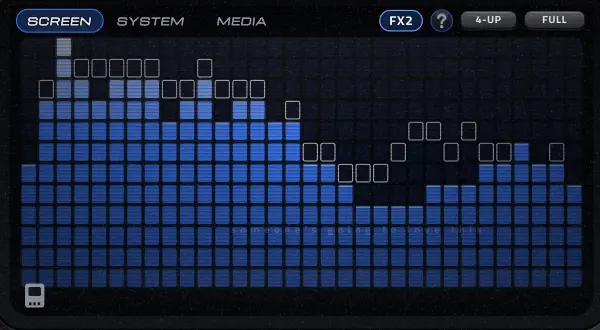
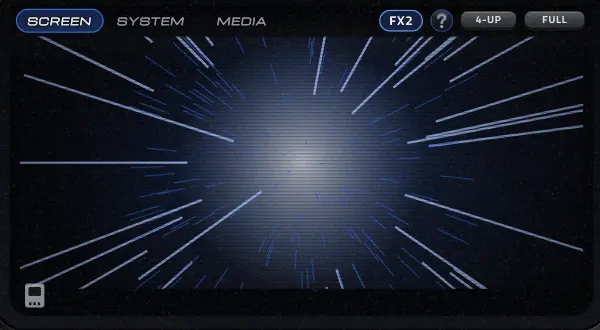
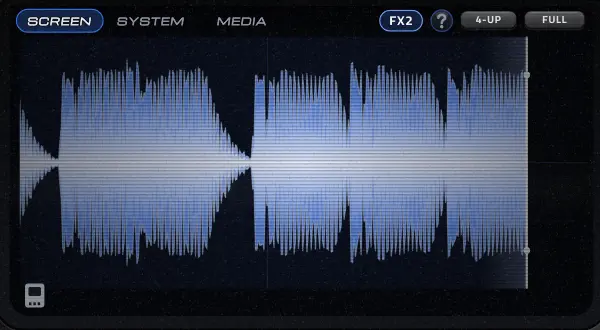
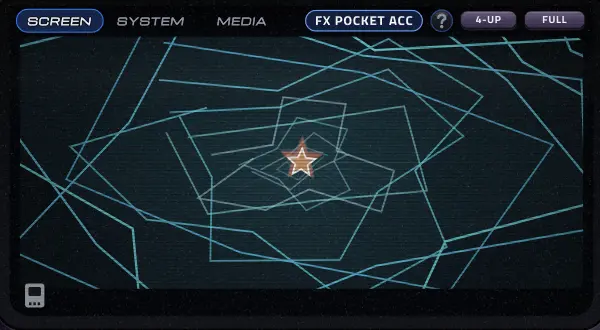
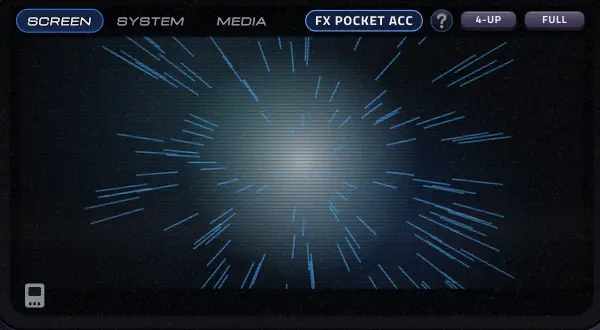
Plug in a gamepad and ride crush, rate, tone and memory with the sticks. Every move mirrors on screen.
Old-console sound modes, from crunchy early 3D to handheld grit. Each with its own filter, verb and noise.
Rumble that follows your kick, bass and hats, so you hold the music in your hands.
Skins, peelable stickers, visualizers, a media player, and STARZY living in the screen.
| LITE free | FULL | |
|---|---|---|
| Core FX (rate, bits, crunch, tone, memory, mix) | ✓ | ✓ |
| Both sticks, full control | ✓ | ✓ |
| FLIP moves | Pitch, reverse, stutter | + chop, stop, half, gate |
| Eras | 2 | All + a secret one |
| Screen views | 5 | 15 |
| Save slots | 2 | 8 |
| Presets | Starter set | All + future packs |
| Music rumble + gyro glide | — | ✓ |
| Watermarks / time limits on sound | Never | Never |
A lofi console effect: rate, bit crush, crunch, tone, memory wobble, SPU-style verb and disc-read dropouts, with FLIP moves on top. Everything is playable from a game controller, or the mouse.
Producers in plugg, rage, hyperpop, lofi, weirdcore and underground rap. Anyone who wants their sound to feel like a memory card from 2003.
| Formats | VST3, Standalone (AU on Mac) |
|---|---|
| Windows | Windows 10 / 11, 64-bit |
| Mac | Coming soon |
| Tested in | FL Studio |
| Controllers | Most USB / Bluetooth gamepads |
| License | Up to 3 computers, works offline after activating |
VST3 and a standalone app on Windows. Mac (AU + VST3) is coming, and one license covers both.
No. Everything works with the mouse. A controller just makes it playable, like an instrument.
LITE is free forever and sounds exactly the same: no watermarks, no time limits on the sound. FULL unlocks every era, every FLIP move, all screen views, presets and save slots, plus music rumble. See the table above.
Your license key is in the receipt email. In PhaseStation: SETTINGS > LICENSE > paste the key > ACTIVATE. Moving computers? DEACTIVATE on the old one first.
The installer puts it in C:\Program Files\Common Files\VST3. Rescan plugins in your DAW (FL Studio: Options > Manage plugins > Find installed plugins), then look for PHASESTATION.
Yes. Anything you make with it is 100% yours.
All sales are final. It's a digital download you get instantly, so try the free LITE version first to make sure it runs on your system and in your DAW.
PHASESTATION2026stars must burn ☆
© 2026 PRYZE. All rights reserved. Not affiliated with any console maker.